Canva Launches Brush, Its Own Design Model for One-Line Edits
Canva's first in-house design VLM reads layouts, layers and styles to edit from a sentence, up to 69% faster and 46% cheaper per edit.
Pro users get it first.
A week ago Canva shipped Canva Craft, its first image-generation model. On October 29 it followed with a second in-house model: Canva Brush, a vision-language model built specifically for design.
If Craft makes the picture, Brush fixes the design around it. For a design platform, the second job is arguably the more frequent one, and the harder one.
Understanding a design is harder than generating an image
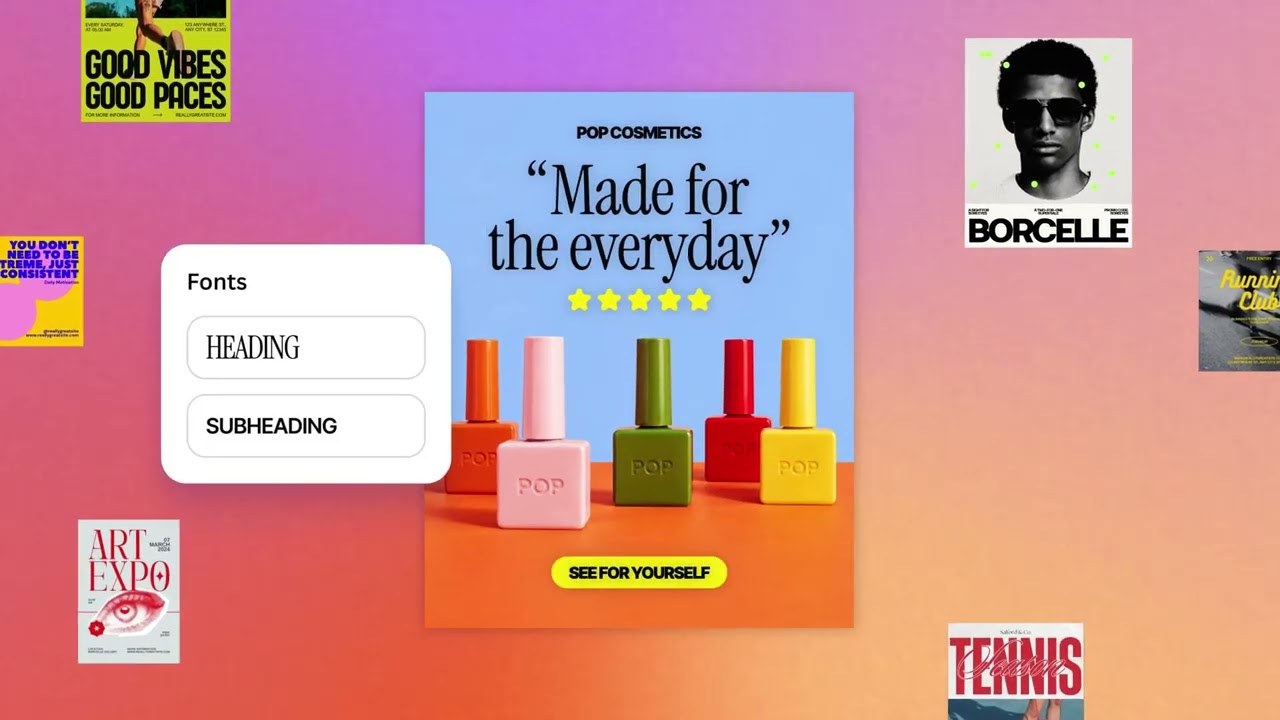
A general multimodal model looks at a poster and sees pixels. Brush sees structure: which element is the headline, which layer is the background, what font and color system the piece follows, how the pages relate. That is what lets it handle requests like "make it a rainy day," "update the header on every slide," or "turn this slide into an Instagram graphic," from a single line of copy to a full deck redesign.
Crucially, what Brush produces is still a fully editable Canva design rather than a flattened image. Text, imagery, colors and layout stay on their own layers, and the user can take over by hand at any point. That sounds modest, but it is exactly where many AI design tools fall down: the output looks great and cannot be changed.
Under the hood Brush runs an agentic loop. It writes and executes code to adjust elements, then inspects the canvas to decide the next step, which is roughly how a designer works: change something, look, change again.
The 69% and 46% are Canva's own math
Canva says Brush is up to 69% faster on general editing tasks and 46% cheaper per edit than its previous design agent. The baseline is Canva's own earlier system, not an outside benchmark, so read the figures as an internal P&L more than a leaderboard result.
That is also the real reason Canva is building its own models. Hundreds of millions of users generate an enormous volume of edit requests, and routing all of them through third-party frontier models gets expensive fast. Moving the most common editing work onto an in-house model cuts costs and lets Canva push AI features to more people. The company says as much: the efficiency gains let it bring a stronger Canva AI to more users at a lower price.
Both models come from Canva Research, a 160-person AI lab. That is a serious team for a design software company, and a signal that Canva does not intend to remain a thin layer on top of someone else's model.
Pro first, with a long roadmap
Brush is live in beta for Canva Pro subscribers. Pick "Brush" from the model dropdown in Canva AI to use it, and wider availability is "coming soon." Canva calls this a first version, with Brand Kit support, attachment references and better handling of image-heavy layouts still to come. There is no public API; Brush lives inside the subscription.
From Craft to Brush, Canva's thesis is getting clearer. Anyone can generate an image. The hard part is making controlled, editable changes to the designs people already have. With Adobe and Figma racing to bolt AI onto their products, owning the model itself may be Canva's strongest card.