
Make Apple Watch Listen for Sounds Like the Doorbell
What happened
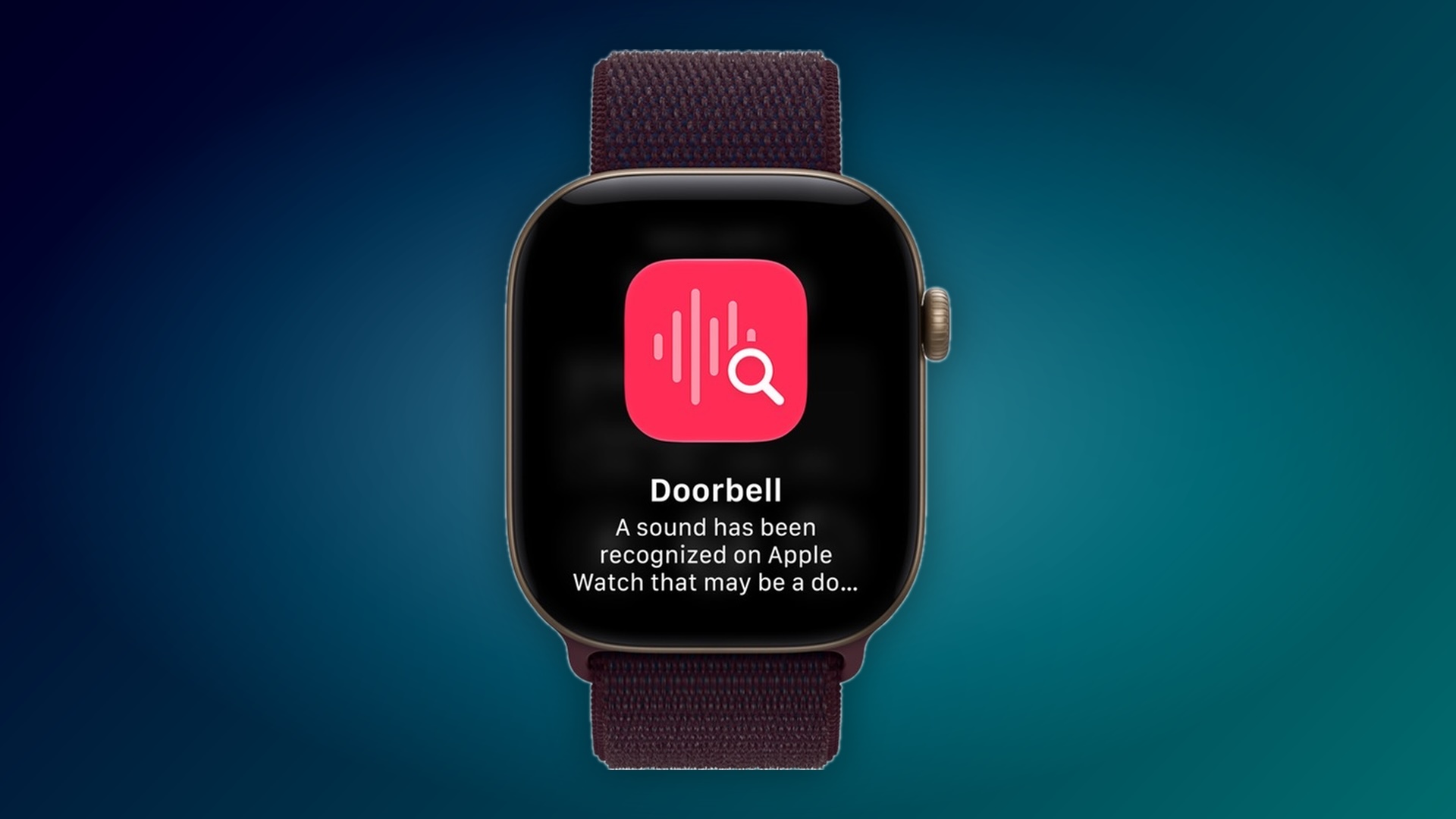
Sounds Your Apple Watch Can Detect Fire Alarm Siren Smoke Alarm Cat Dog Appliances Car Horn Doorbell Door Knock Glass Breaking Kettle Water Running Baby Crying Coughing Shouting What You'll Need Open the Settings app on your iPhone and tap Accessibility.
In the "Hearing" section, tap Sound & Name Recognition. Tap Sound Recognition and turn on the Sound Recognition toggle, then turn on Detect using Apple Watch.
Tap Sounds and turn on the sounds you want to hear about, such as Doorbell. You can also choose a specific alert tone for each sound.
Share this article