
Quickly Silence iPhone Duo Without a Ring/Mute Switch
What happened
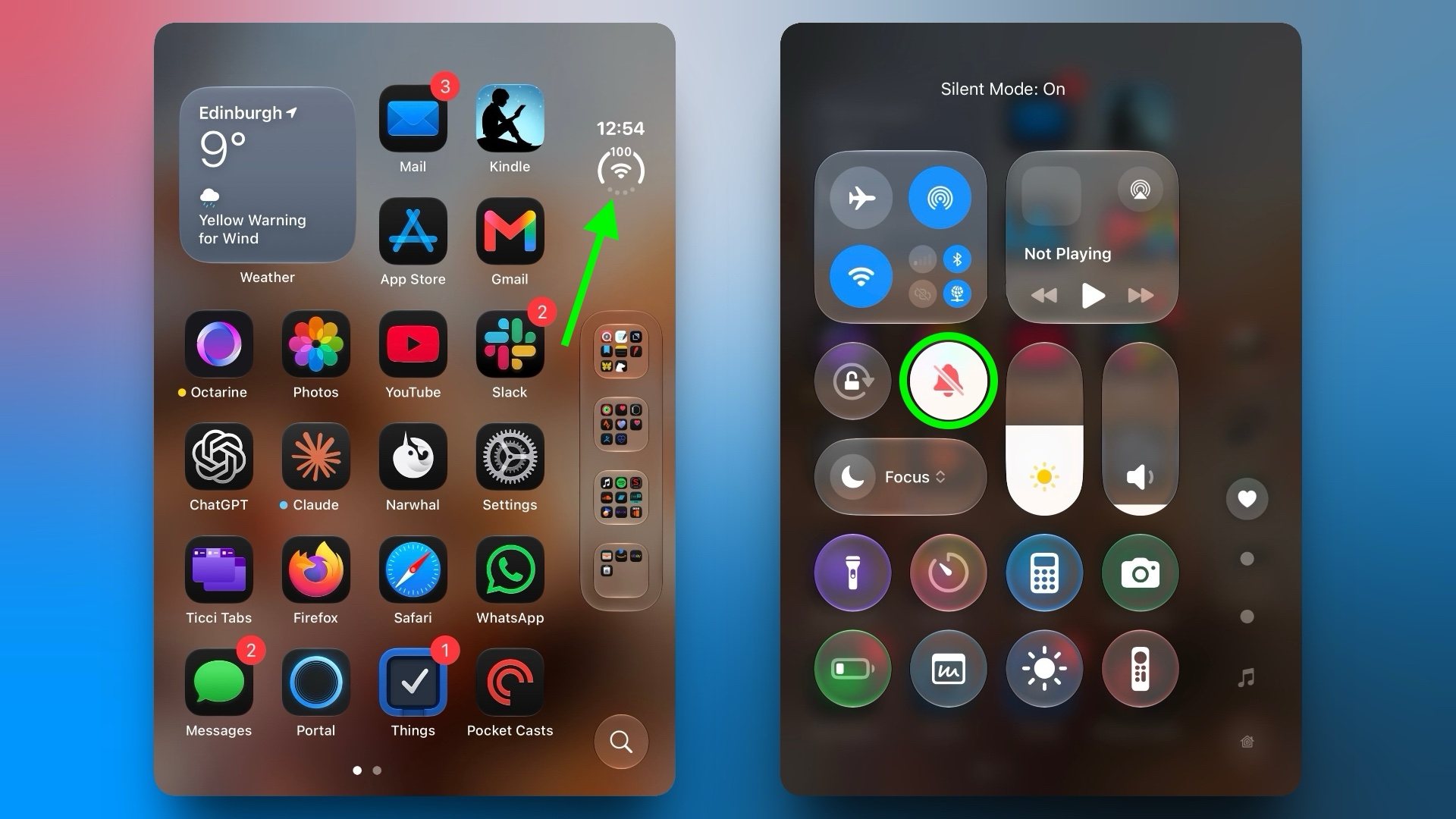
How to Add Silent Mode to Control Center Tap the circular status bar icon to open Control Center.
Tap the plus (+) icon in the top-left corner, then tap Add a Control at the bottom of the screen. Scroll down to the Sounds section or use the search bar to find it, then select Silent Mode.
Share this article