
iPhone Duo: Watch Video Above an App in Portrait Mode
What happened
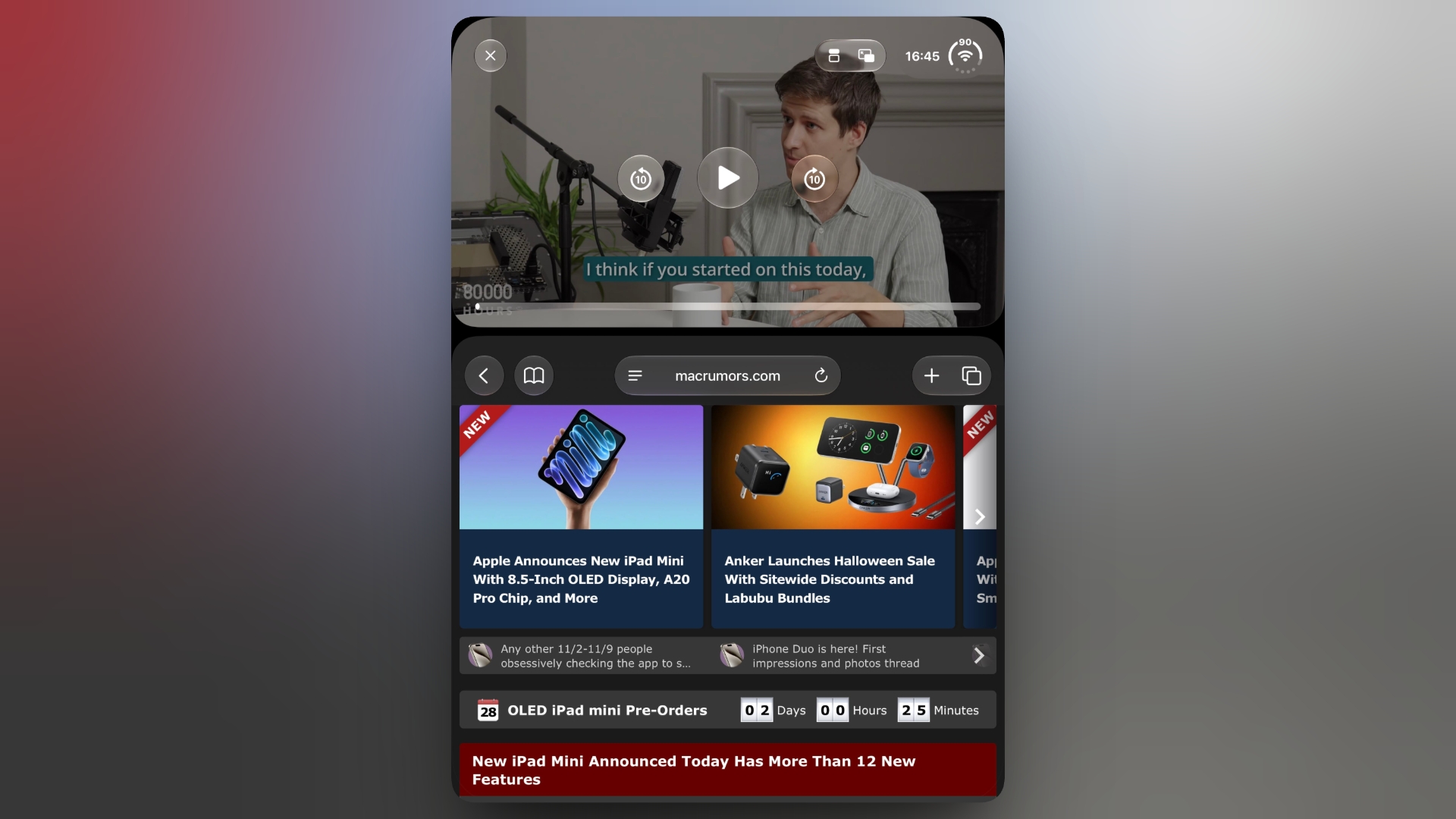
Start playing a video in an app that supports Picture in Picture, such as Apple TV or Apple Podcasts.
Tap the Picture in Picture icon to shrink the video into a floating window. Swipe up to return to the Home Screen, then open the app you want to use (note: it can't be another video app).
Tap the icon that appears in the PiP window to stack the video above the open app.
Share this article