GitHub Open-Sources Replica for On-Brand AI Prototypes
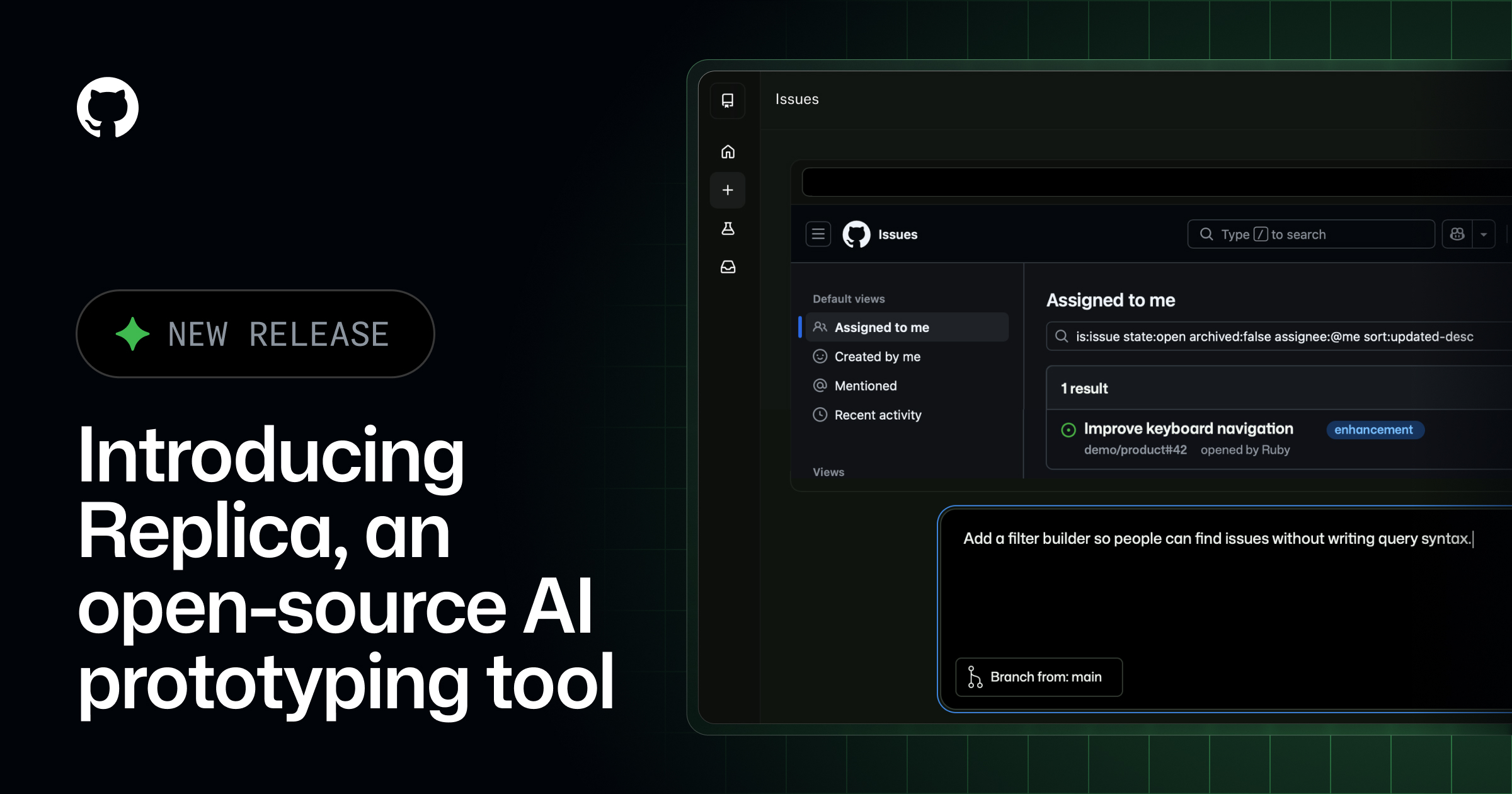
GitHub open-sourced Replica (MIT).
It builds interactive prototypes in the Copilot app from a team's own components, design guidance and docs.
There are plenty of AI prototyping tools, but what they produce often looks instantly like someone else's product: the wrong button styles, jumbled components, interactions that don't follow the team's conventions. GitHub's design team set out to fix that, and has now open-sourced Replica, which GitHub Design created, under the MIT license.
Prototype with your own design system
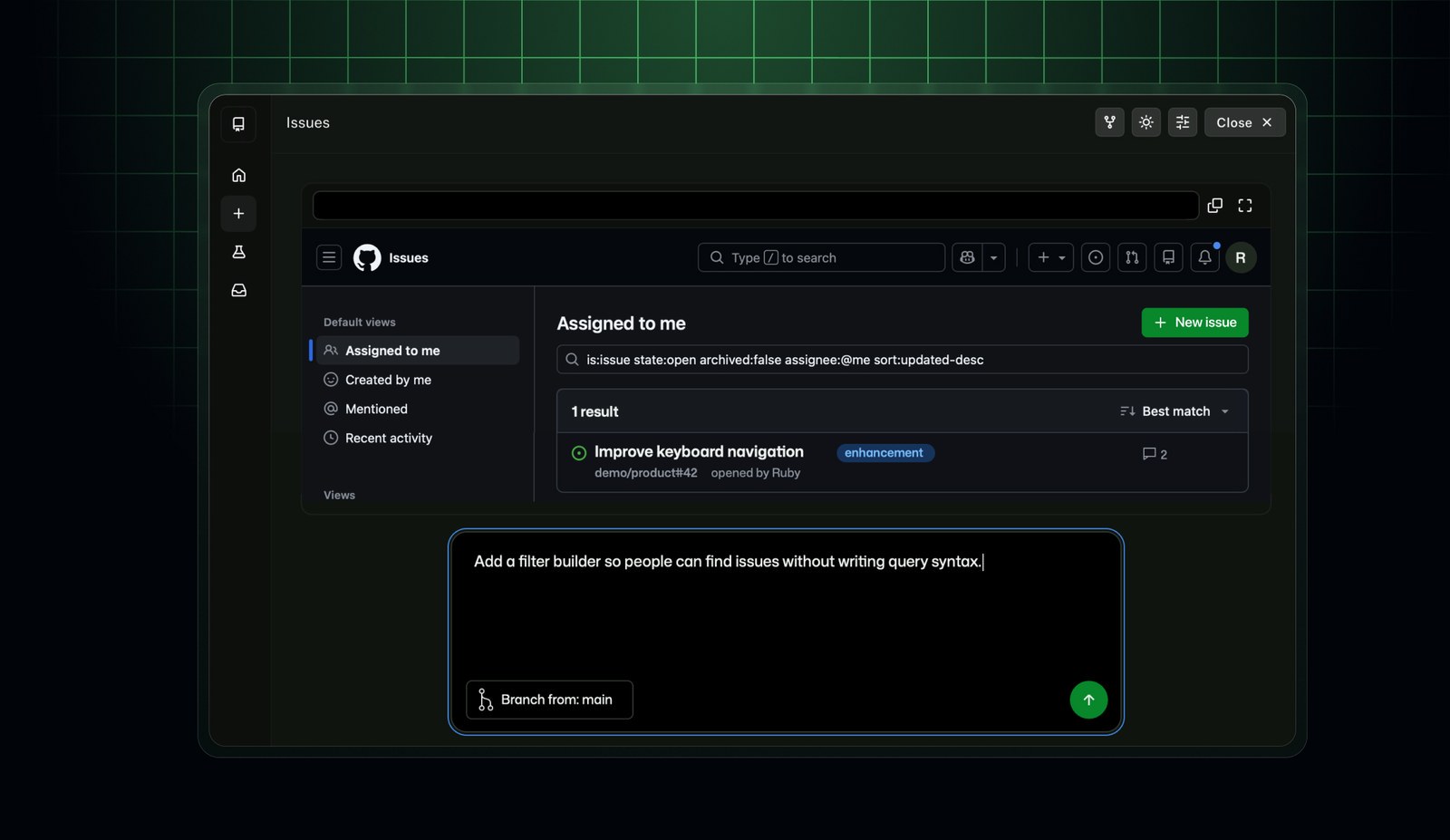
Replica flips the usual order: designers set the rules first, then everyone uses them. Designers and design-system maintainers supply product docs, design-system docs and component packages, Replica drafts guidance from them, and that guidance only takes effect once it is reviewed and approved. After that, designers, product managers and engineers can describe an idea in plain language in the GitHub Copilot app, such as "add a filter builder so people can find issues without writing query syntax". The prototype is built from the team's existing components and patterns, and opens alongside the Copilot conversation to click through and refine.
GitHub stresses one point: prototypes are for testing assumptions and working through questions, and the team still decides what ships and how to build it.
Four parts, and it runs locally
Replica has four parts: a Starter that creates a local prototype project, a canvas extension that opens it beside your Copilot conversation, an optional self-hosted Replica Hub, and a GitHub build action for publishing to the Hub. Prototyping locally needs no server and no Hub.
When a team wants to share and review, it can set up a Hub, publish prototypes there, and let colleagues try them and leave comments. The repo docs say that viewing or reviewing a finished prototype doesn't require a Copilot subscription. Creating one does require a GitHub sign-in and either models from a Copilot plan or your own model provider, which is in public preview.
Why it matters
The pain in prototyping is rarely "can't draw it". It's that the result doesn't match the real product, so reviews end up debating visual differences instead of product ideas. Feeding the design system directly to the AI so everyone's prototypes look right by default is a practical way in.
The barrier to the full setup is real, though. A Hub environment needs GitHub organization permissions, the ability to install a private GitHub App, a Linux server with Docker and a domain, so it is aimed at teams with some engineering muscle. If you just want to try it, start with the local Starter flow rather than the Hub.